How to find which device corresponds to your root filesystem
I recently found something I was looking for for quite a long time. If you use the mount command in Linux, you can see that the root device is not listed like the other mounted filesystems:
/dev/root on / type ext3 (rw)
/dev/mmcblk0p1 on /mmcboot type vfat (rw)
proc on /proc type proc (rw)
none on /sys type sysfs (rw,noexec,nosuid,nodev)
none on /dev type tmpfs (rw,mode=0755)
...
For the / mount point, you are just told that it corresponds to /dev/root, which is not the real device you are looking for.
Of course, you can look at the kernel command line and see on which initial root filesystem Linux was instructed to boot (root parameter):
$ cat /proc/cmdline
mem=512M console=ttyS2,115200n8 root=/dev/mmcblk0p2 rw rootwait
However, this doesn’t mean that what you see is the current root device. Many Linux systems boot on intermediate root filesystems (like initramdisks and initramfs), which are just used to access the final one.
I explored the contents of /proc, but didn’t find any file revealing what the root device is.
Fortunately, I eventually found a command to find the root device:
$ rdev
/dev/mmcblk0p2 /
But how does this work? How could we find such information by ourselves? Use the Source, Luke!
When you ask yourself questions like this one, the best is to look at the BusyBox sources which implement this command. These sources are usually simpler than the ones for the same GNU command.
Here is what BusyBox rdev does… It first runs the stat system call on the / directory. Let’s run the stat command that corresponds to it:
$ stat /
  File: `/'
  Size: 4096      	Blocks: 8          IO Block: 4096   directory
Device: b302h/45826d	Inode: 2           Links: 23
Access: (0755/drwxr-xr-x)  Uid: (    0/    root)   Gid: (    0/    root)
Access: 2010-07-21 22:00:01.000000000 +0200
Modify: 2010-06-13 15:04:37.000000000 +0200
Change: 2010-06-13 15:04:37.000000000 +0200
What’s interesting is the Device field. It means that the device corresponding to / has the major number b3 in hexadecimal (179 in decimal), and minor number 02. Bingo, this corresponds to /dev/mmcblk0p2:
$ ls -l /dev/mmcblk0p2
brw-rw---- 1 root disk 179, 2 Jan  1  1970 /dev/mmcblk0p2
Therefore, what BusyBox rdev does is walk through /dev and its subdirectories to find a device file matching the major and minor numbers.
This is not a completely generic solution though. On some very simple embedded systems, you don’t even need to create device files for all existing devices. In particular, the device file for the root filesystem doesn’t have to exist. In such a case, rdev wouldn’t be able to find the root device.
A more generic solution could be to walk through /sys/block which enumerates all the block devices present on a system (even if not all of them have an entry in /dev/. This would allow to find the device with the matching major and minor numbers:
$ cat /sys/block/mmcblk0/mmcblk0p1/dev
179:1
Through this example, you can see how useful it can be to study the sources of system commands to understand how the system works. BusyBox sources, implementing simplified versions of GNU utilities, make this even easier.

 If you live near Eindhoven in the Netherlands, or if you can easily get there, you may be interested in the seminar organized by
  Just one day before the end of May,

 No
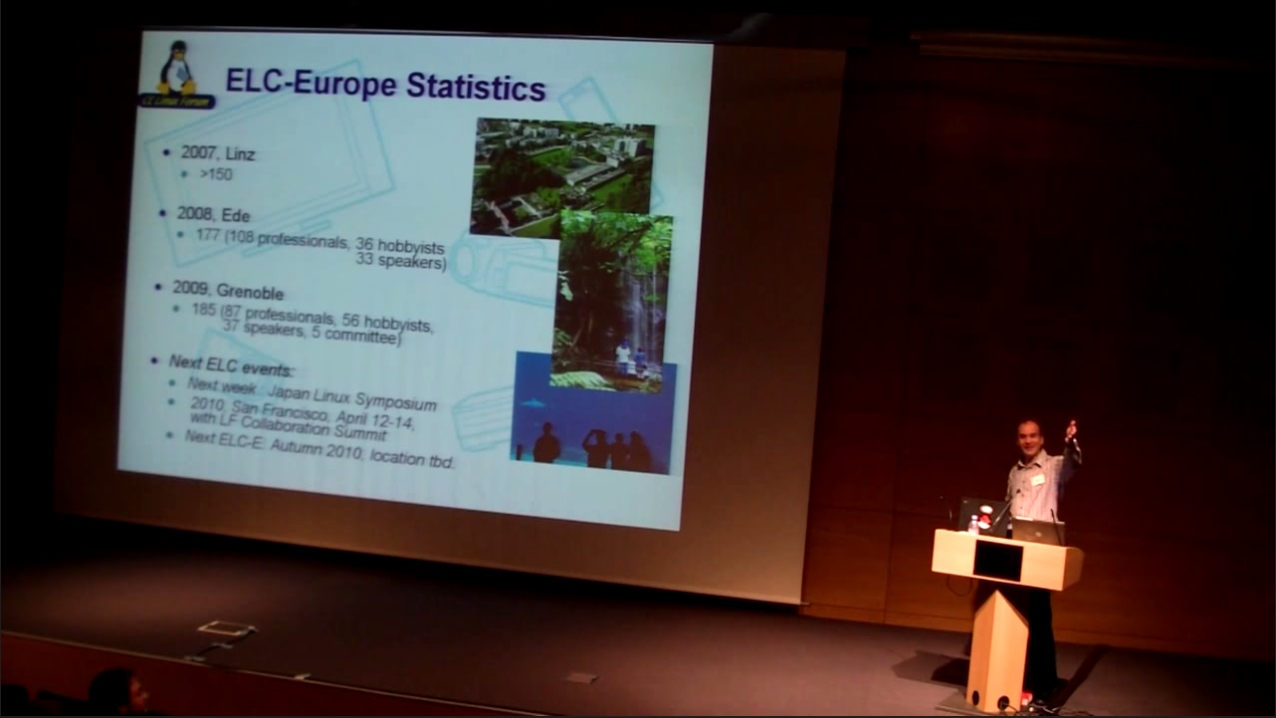
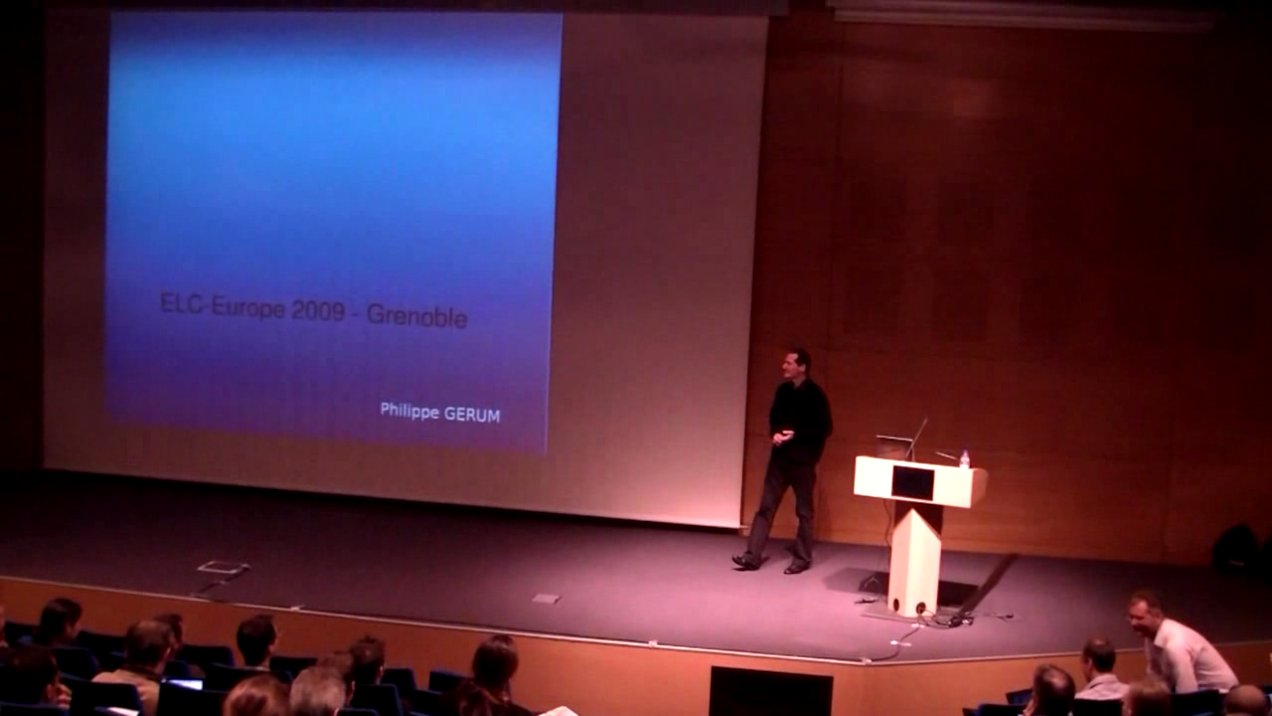
No  While the American Embedded Linux Conference always takes place in the San Francisco area in California, the European Embedded Linux Conference Europe travels each year in a different country across Europe: it took place in Austria in 2007, in the Netherlands in 2008 and in France in 2009. The location for the
  Bootlin has contributed to this release, by adding some support for the
  Looking for kernel and embedded Linux experts
 Just a few weeks before the next edition of the